
Step back in time to a world where editing PLR videos was a daunting task. You are no longer limited by the challenge of finding the perfect clip or adding transitions.
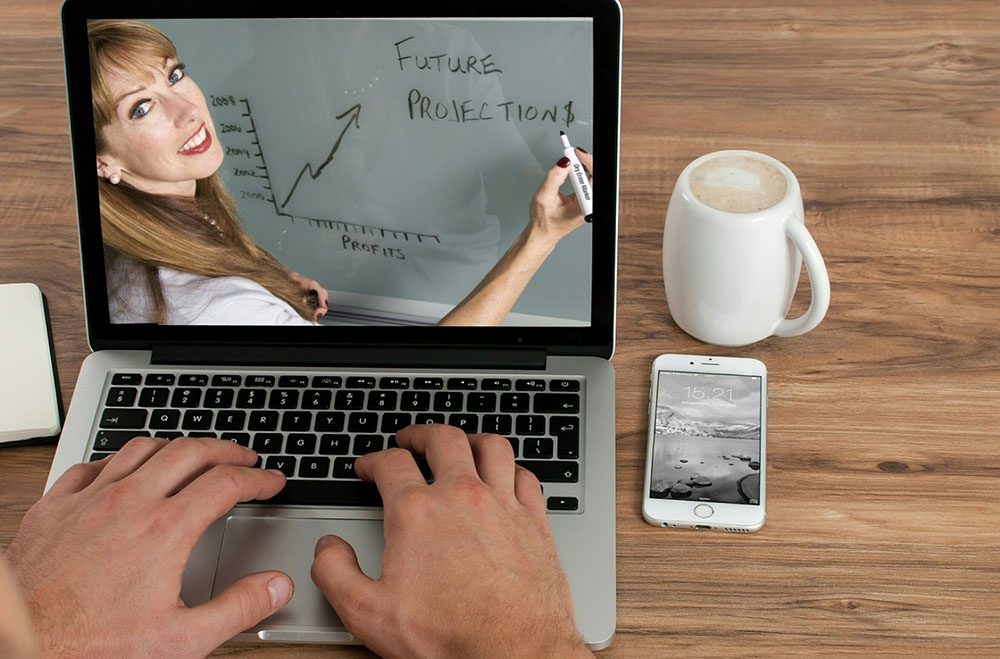
With these effective editing techniques, you’ll be able to create videos that engage your audience and make them feel like they belong.
Unlock your creative potential and create something amazing with these simple tips.
Trim Unnecessary Clips
Trim your PLR video of any unnecessary clips to make it more effective. Editing down your video is a great way to keep your audience’s attention and make your message concise and clear.
Unnecessary clips should be eliminated to avoid confusion and ensure that your video has the maximum impact.
Start by viewing your video from the perspective of an audience member and ask yourself if any of the clips don’t further your message. If so, they should be removed.
It’s also important to consider the pacing of your video. If there are too many clips in your video, it can appear rushed and your audience may get bored or confused.
Keep in mind the length of your video and the order of the clips to ensure that your audience doesn’t get lost or overwhelmed.
Establish a Flow
Once you’ve trimmed away any unnecessary clips, it’s important to establish a clear flow for your PLR video. To do this, the first step is to decide the order in which the clips should appear.
As you arrange the clips, think of the story you want to tell and the message you want to convey. This will ensure that the video is cohesive and effective.
When editing, it’s important to use a variety of techniques to link the clips together. This could include adding transitions, voice overs, and music to create a seamless flow.
These elements will help to keep viewers engaged and can help to bring the story to life.
It’s also important to consider the pacing of your video. A slow pace can be effective for certain types of videos, while a faster pace can be used to create a sense of energy.
Keep your audience in mind when deciding the pace, as this can help ensure that they stay engaged.
Adjust Color and Contrast
How much should you adjust the color and contrast of your PLR video?
When it comes to editing, it’s important to strike a balance between enhancing your video and making it look too artificial. This means adjusting the color and contrast in a way that’s subtle and tasteful.
Start by analyzing the color and contrast of the original video. If you find it to be too dull or too bright, you can adjust the hue and saturation to improve the overall look.
You can also adjust the shadows, highlights, and midtones to create a balanced look.
However, don’t go overboard, as too much color and contrast adjustment can make the video look unnatural. You should also take into account the lighting conditions in the original video—for example, if the video was recorded in low light, it might need more contrast.
Finally, if you’re working with multiple video clips, make sure to adjust the color and contrast of each clip separately so that the transition between clips is seamless.
With a few simple adjustments, you can give your PLR video a professional, polished look.
Add Transitions
Once you’ve adjusted the color and contrast of your PLR video, it’s time to add transitions to create a smooth, professional look.
Transitions are a great way to move from one scene to the next and can help to add to the story you’re telling. They can also be used to create a sense of cohesion between disparate elements.
When adding transitions, it’s important to be mindful of the overall tone and theme of the video to ensure that the transitions fit in with the main idea. Try to avoid transitions that seem too abrupt or jarring, as this can disrupt the flow.
Instead, opt for transitions that are more subtle and that feel natural to the flow of the video.
Additionally, it’s helpful to experiment with different types of transitions to find the one that works best for your particular project. With the right transition, you can create a seamless, professional-looking video that will leave a lasting impression on your audience.
Utilize Audio
Your PLR video’s audio needs to be considered just as carefully as its visuals; it can be used to create an emotional connection with viewers and enhance the overall message of the video.
Music, sound clips, and voiceovers can all be used to achieve this. Music can set the mood, sound clips can add interest, and voiceovers can add clarity and impact to the message.
When utilizing audio, be sure to choose sounds that are appropriate to the video’s content and that won’t detract from the message. Avoid overwhelming the viewers with too much sound, as this can become distracting and take away from the overall video.
Furthermore, be sure to use audio that’s free from copyright infringement. Finally, be sure to check the audio levels to ensure that sound clips and voiceovers aren’t too loud or too soft.
Animate Text
Adding animations to text can help bring your PLR video to life and capture the viewer’s attention. To animate text, you can use various tools, such as Adobe Creative Cloud’s After Effects and Premiere Pro.
These programs allow you to customize the animation to your desired look. You can specify the font, size, color, background, and other effects.
Additionally, you can add motion, such as rotation, zoom, and fading. This can help make your text stand out and draw the viewer in.
You can even add sound effects to your text animation to further engage the viewer.
When working with animation, it’s important to keep it simple. Too much animation can distract the viewer and take away from your message.
Additionally, make sure the animation you use is relevant to the content and doesn’t feel out of place. As you create your animation, be sure to keep an eye on the timing, as it needs to be in sync with the video.
With some practice, you can create stunning text animations that will help your PLR video stand out from the rest.
Export and Share
Now that you’ve created your animated text, it’s time to export and share your PLR video. Exporting and sharing are the last steps to creating a successful video, and they can be done in a few steps:
- Select the desired output format and settings.
- Export the video with the settings of your choice.
- Upload the video to your preferred platform.
- Share the link of the uploaded video with your audience.
Getting the video out of your editing software and into the world is an essential part of the process. It’s important to make sure that the settings are correct and that you’re exporting the video in a format that can be uploaded and shared with your audience.
Don’t forget to check the video quality before you upload and share it. Doing this will help ensure that your audience gets the best viewing experience.
When you’re sure that the video is ready for sharing, you can upload it to your preferred platform. Then, you can use the link to share it with your audience.
This will help to boost engagement and ensure that your video reaches its intended audience.
Export and sharing are the final stages of creating a successful video. With the right settings and a platform to share your video, you can get your PLR video out to the world and start engaging your audience.
Wrap-Up
Editing a PLR video is no easy task, but with the right techniques you can create something amazing.
With just a few simple steps, you can trim away the unnecessary, create a smooth flow, adjust colors and contrast, add transitions, incorporate audio, animate text, and export and share your masterpiece.
Crafting a great PLR video takes practice and skill, but the results are worth it.


